NEW: The official Beltchecker analog playing cards
5 year(s) ago • 5884 views • 27 replies
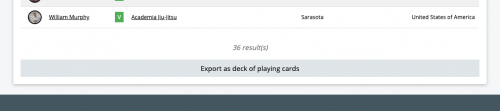
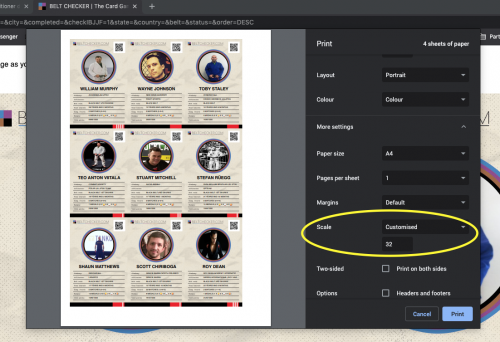
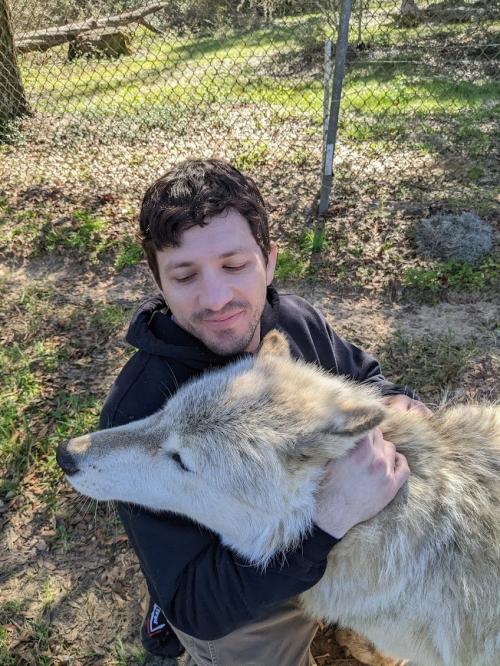
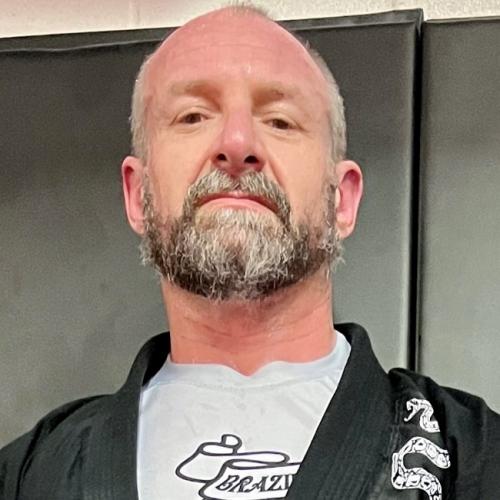
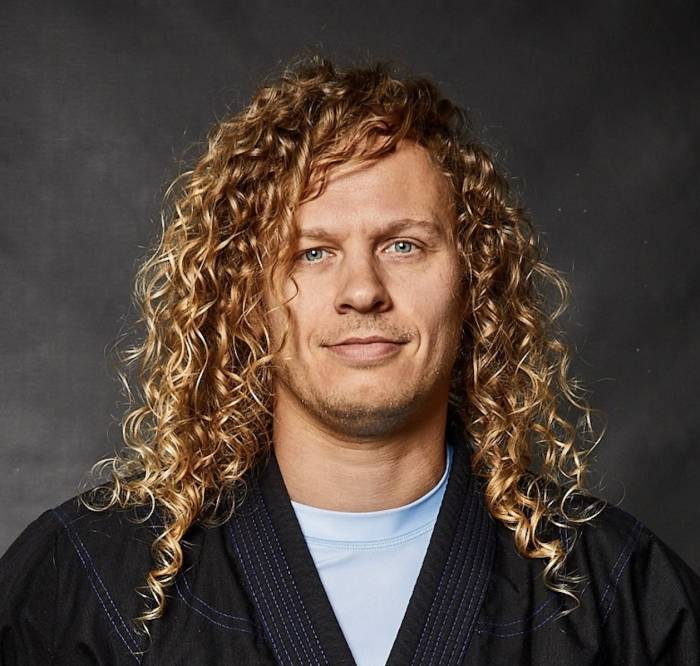
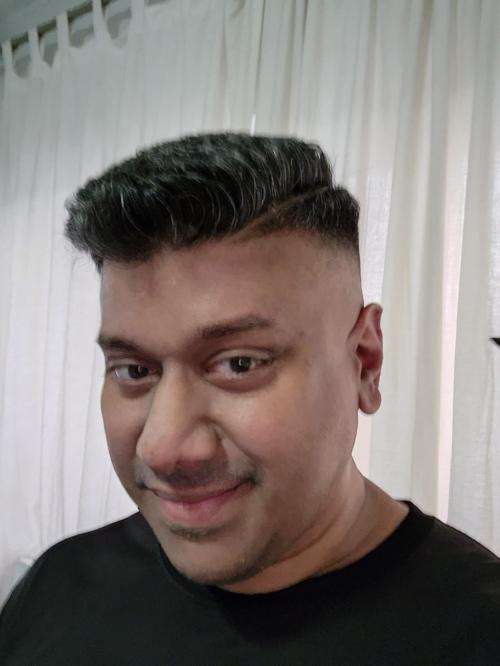
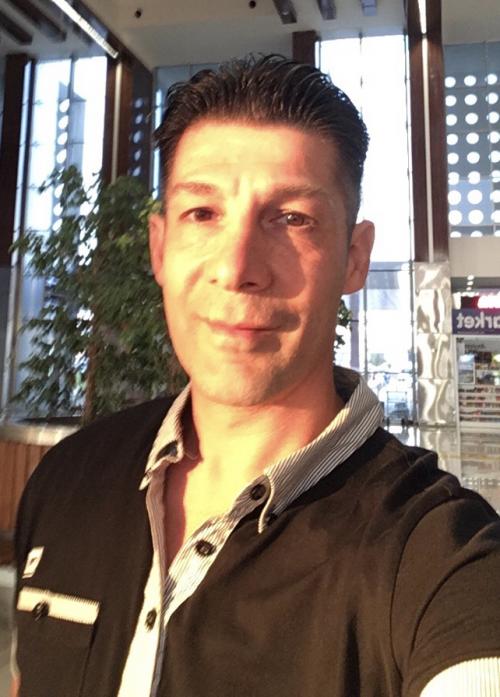
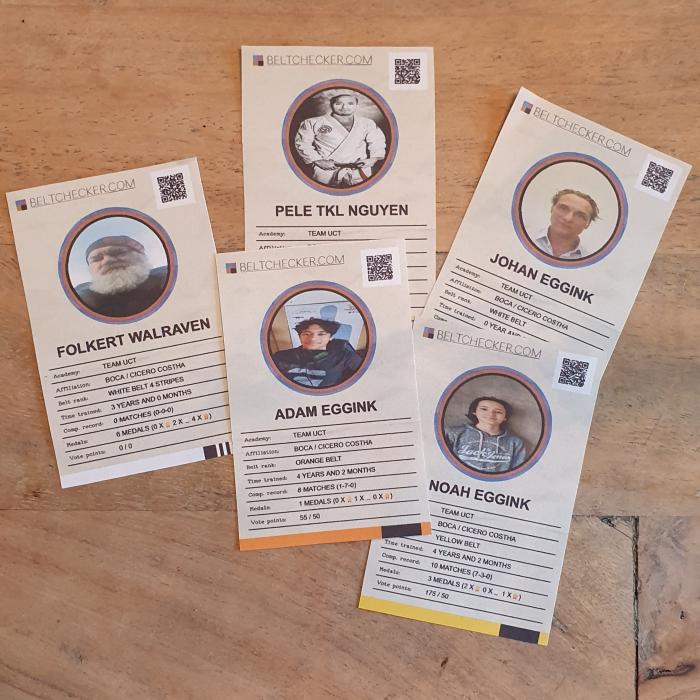
This idea was floating around in the forum here a while back, and today I finally managed to build it! Go to the search page (https://beltchecker.com/search.php) and perform a search with any criteria of your liking. At the bottom, you'll now find a button saying "Export as deck of cards", which will generate a ready-to-print page of playing cards. You just need to adjust "scale" in your print dialog box to determine how many cards you want on each page. Cut them out with scissors and you have a deck of playing cards to keep you entertained while we wait for the world to stop burning. How about a game of affiliation vs. affiliation, academy vs. academy, countries vs. each other or IBJJF verified black belts vs. non-IBJJF verified black belts? The possibilities are endless :D Here's a 30 second video on how to play: https://www.youtube.com/w[...]RNtB--oGiw Have fun!! 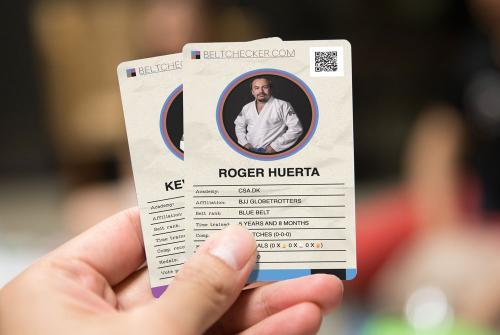 |
"what decides what the "higher stat" is? by the looks of the cards, theyre almost like the verified rank cards, in that there are no stats that would dictate how one beats the other lol" Not sure exactly what you mean exactly? You just call either highest belt rank, most time trained, most matches (or most wins), most medals (or most of medal type) or vote points. Highest of any of these wins the opponents card. You could also be creative and call for instance highest/lowest user ID, or anything else from the profiles. Just gotta scan the QR code on the card to open it :) (Edited 5 year(s) ago) |
"This idea was floating around in the forum here a while back, and today I finally managed to build it! Go to the search page (https://beltchecker.com/search.php) and perform a search with any criteria of your liking. At the bottom, you'll now find a button saying 'Export as deck of cards', which will generate a ready-to-print page of playing cards. You just need to adjust 'scale' in your print dialog box to determine how many cards you want on each page. Cut them out with scissors and you have a deck of playing cards to keep you entertained while we wait for the world to stop burning. How about a game of affiliation vs. affiliation, academy vs. academy, countries vs. each other or IBJJF verified black belts vs. non-IBJJF verified black belts? The possibilities are endless :D Here's a 30 second video on how to play: https://www.youtube.com/w[...]RNtB--oGiw Have fun!!" nice idea |
Check out this deck of cards with Finnish profiles printed by Hannu! https://beltchecker.com/p[...]php?id=224 :D 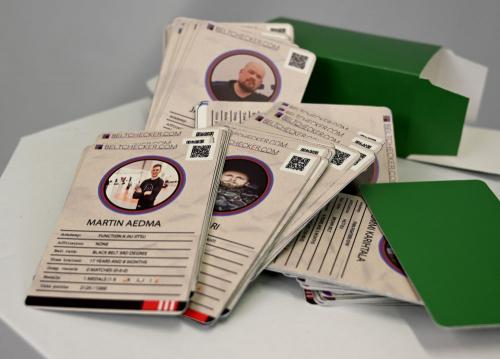 |
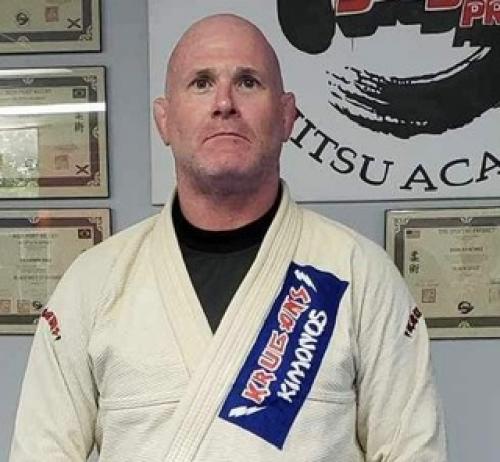
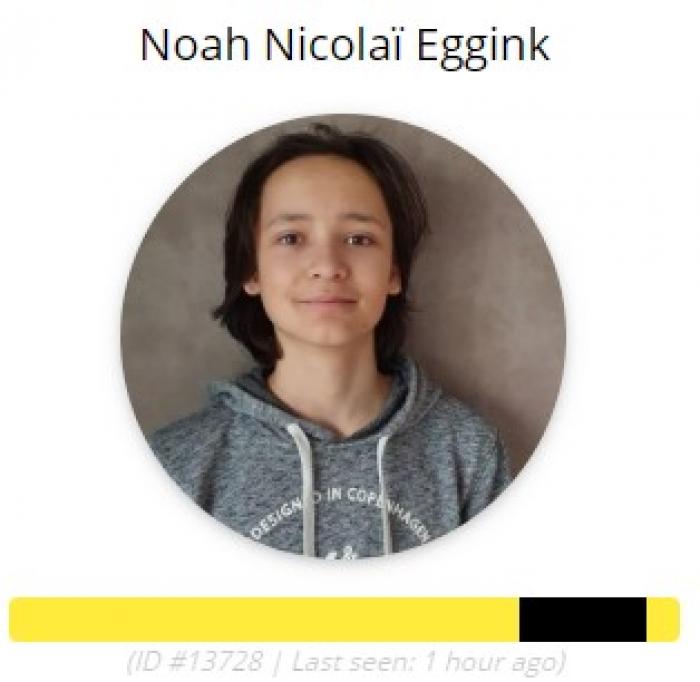
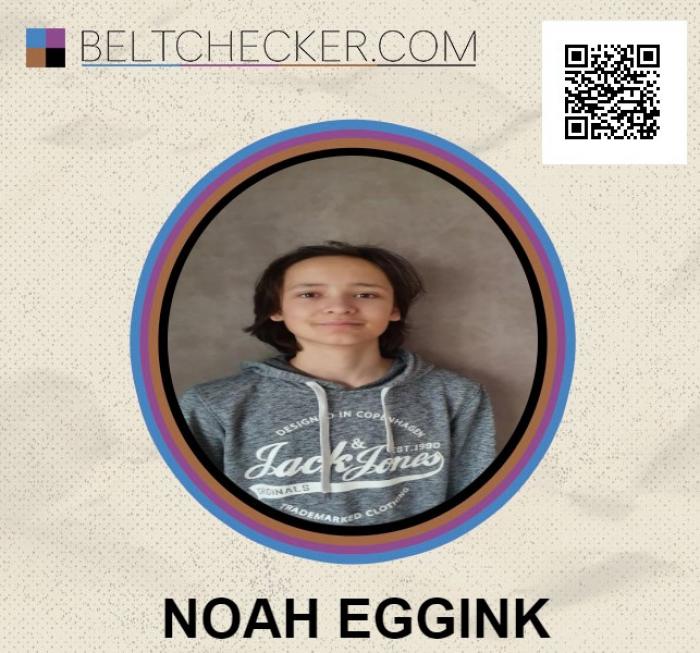
"Do you print then on glossy paper to get a nice result? Also, the profile pictures seems stretched horizontally when you export as cards. Am I doing something wrong?" pictures are resized to fit a square/circle, it is not possible for us to automatically crop them and make sure the face is visible in the circle :) |
"And this is the picture on the card. They are both in circles. Why are they cropped / adjusted differently?" It's two different ways of rendering the image for print/screen, [insert too long technical explanation here]. The card game is really just a small little thing I made in an afternoon and don't have a lot of time to put into, you gotta live with it not being perfect ;) If you want it to look the same, just upload a square image file as profile picture and there will be no stretching of proportions |
How do I save them as images so that I can HAVE them printed? When I click save image I only same the profile picture. (Using Safari.) When I control print- save as pdf.... the size is wrong I need 92.5% but can't do point percentages. and still then they have boarders. So..... any way to download the image itself? peace! |
"How do I save them as images so that I can HAVE them printed? When I click save image I only same the profile picture. (Using Safari.) When I control print- save as pdf.... the size is wrong I need 92.5% but can't do point percentages. and still then they have boarders. So..... any way to download the image itself? peace!" No you can not download them as images, the pages is HTML generated. You're going to have to be a bit flexible with your scissor work and print them in 92% then :) Alternatively you can screenshot the page / cards and then you'll have them as images, of course. |