Beltchecker v2.5 is live!
3 week(s) ago • 1482 views • 52 replies
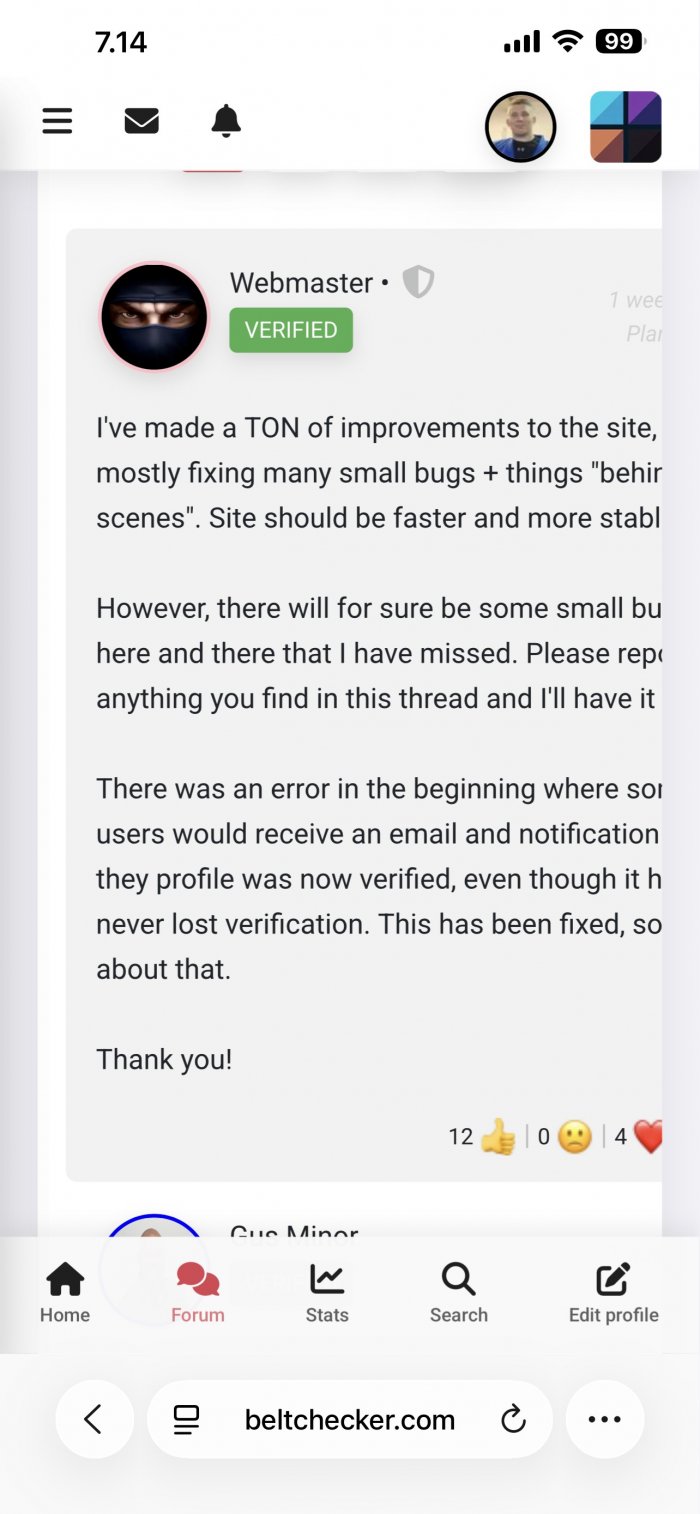
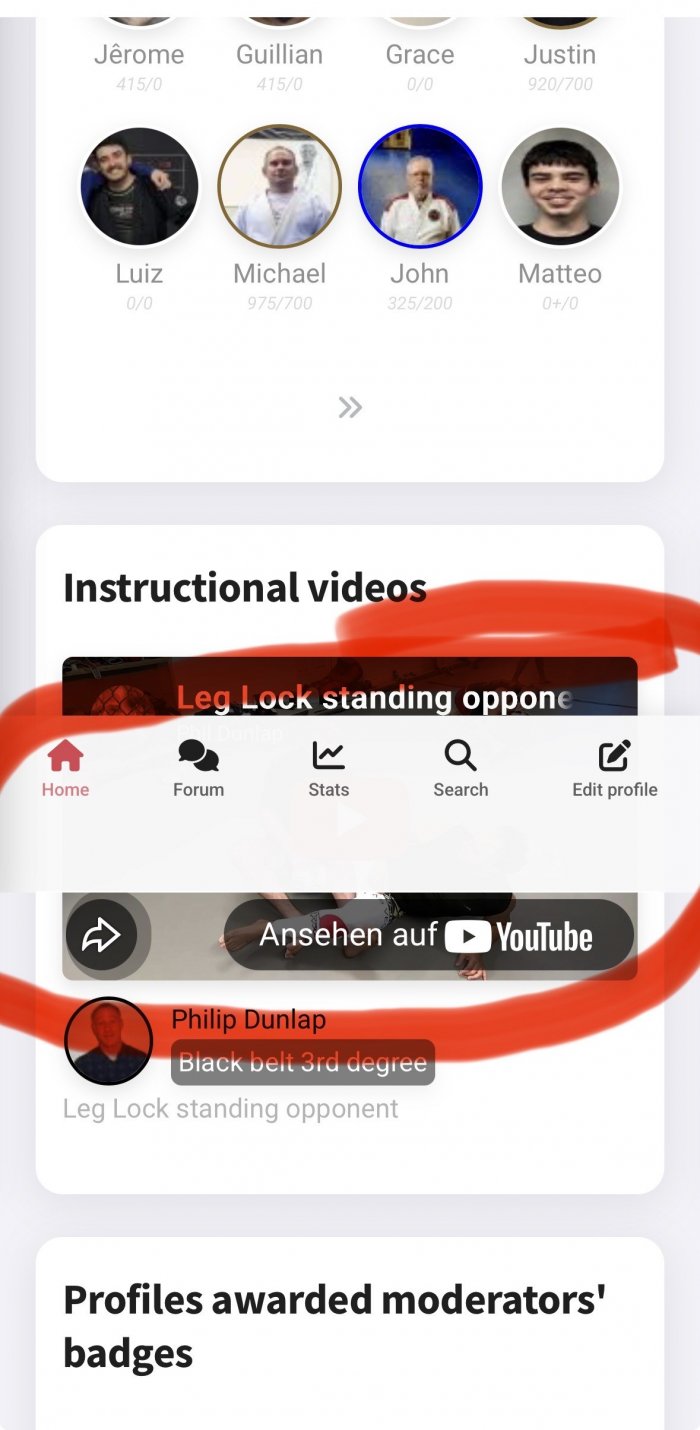
"Little display glitches on my Z Fold 6: In phone mode, forum text is truncated. Screenshot attached. In tablet mode, forum user names and picture don't appear. You can see only posts text and emojis. I can't attach a screenshot for this as I'm apparently allowed only to upload one per post. I'm on Firefox for Android." Same glitch for me when using bigger fonts (iPhone). Right side of forum text disappears. |
Hello, I am not able to login to the belt checker app since the update. I am able to enter my email address. When I try and enter my password the whole screen refreshes. I end up in a loop. I have tried this with safari and Google Chrome for iPhone. Then I get a black screen with an error message. I will post the error message bellow. iPhone 16 iOS 26.3.1  |
I have posted the video of the error here: https://rumble.com/shorts/v76vfq8. I hope this helps. |
"Hello, I am not able to login to the belt checker app since the update. I am able to enter my email address. When I try and enter my password the whole screen refreshes. I end up in a loop. I have tried this with safari and Google Chrome for iPhone. Then I get a black screen with an error message. I will post the error message bellow. iPhone 16 iOS 26.3.1" How did you log in to write the message, in a browser? Can you try to delete and reinstall the app? |
"How did you log in to write the message, in a browser? Can you try to delete and reinstall the app?" I have deleted the old app and Installed the new app and I get the same error message. Here is a video of me doing this process: https://rumble.com/shorts/v76wmgc iPhone 16 iOS 26.3.1 Browser: Safari 604.1 Steps to recreate: 1. Delete old app on iPhone. 2. Navigate to belt checker.com 3. Click share and add web app to Home Screen. 4. Open belt checker app. 5. Click login button. 6. Click in email text box. 7. Enter text, example: test@example.com 8. Error |
"I have deleted the old app and Installed the new app and I get the same error message. Here is a video of me doing this process: https://rumble.com/shorts/v76wmgc iPhone 16 iOS 26.3.1 Browser: Safari 604.1 Steps to recreate: 1. Delete old app on iPhone. 2. Navigate to belt checker.com 3. Click share and add web app to Home Screen. 4. Open belt checker app. 5. Click login button. 6. Click in email text box. 7. Enter text, example: test@example.com 8. Error" Does it work if you log in from safari on your phone? |
I have figured it out! My home DNS was blocking me from getting in. I run piHole adblocker / DNS on my home network. Once I turned off wifi and used the cell network 5G I was able to login on my iPhone from safari. Thanks for helping me troubleshoot my issues. The website is working great for me now. |
"I have figured it out! My home DNS was blocking me from getting in. I run piHole adblocker / DNS on my home network. Once I turned off wifi and used the cell network 5G I was able to login on my iPhone from safari. Thanks for helping me troubleshoot my issues. The website is working great for me now." Glad to hear it's working!! |
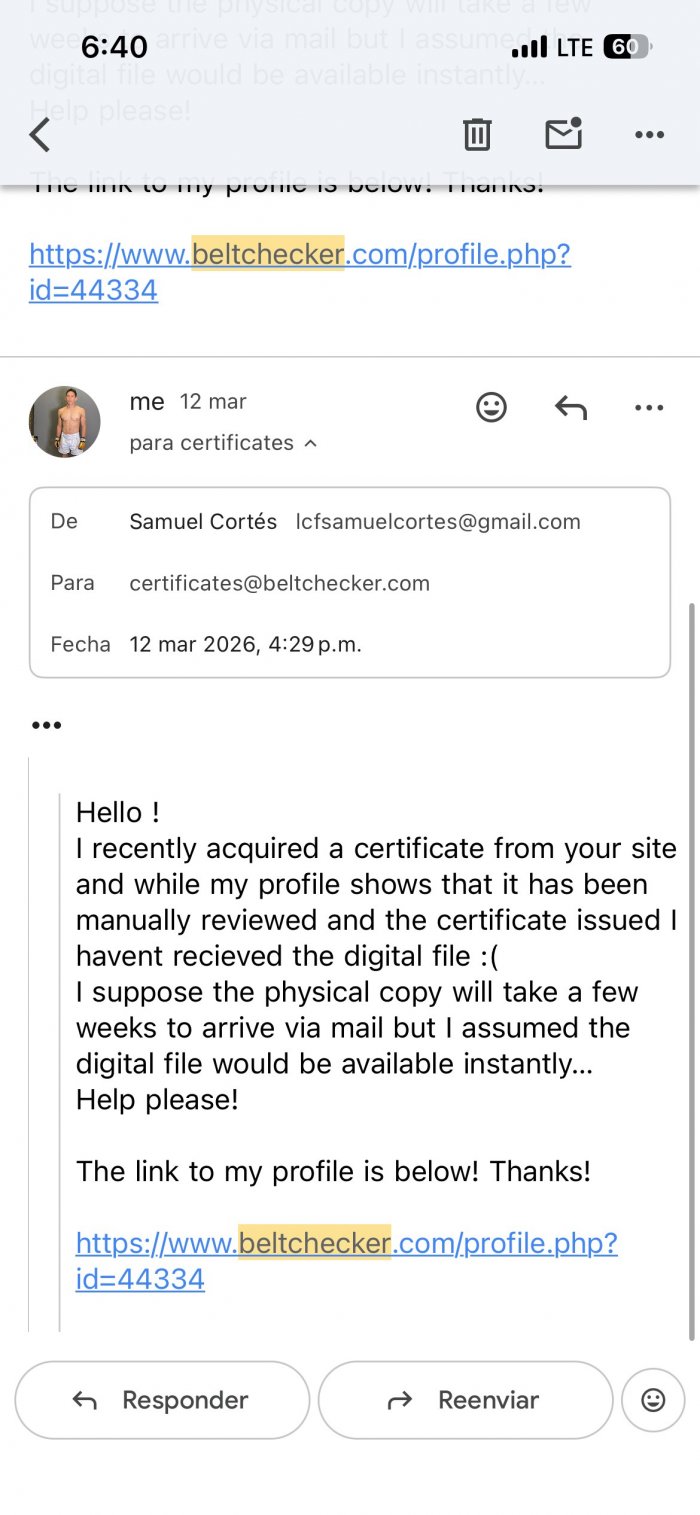
"How do I download my digital certificate? I posted in another forum and emailed two different adresses but havent recieved a response :(" Sorry, missed that! The PDF certificate is being emailed to you after you order it. If you haven't received it, please check your spam folder and contact certificates@beltchecker.com and we'll follow up on it right away |